How ClipRecall AI works
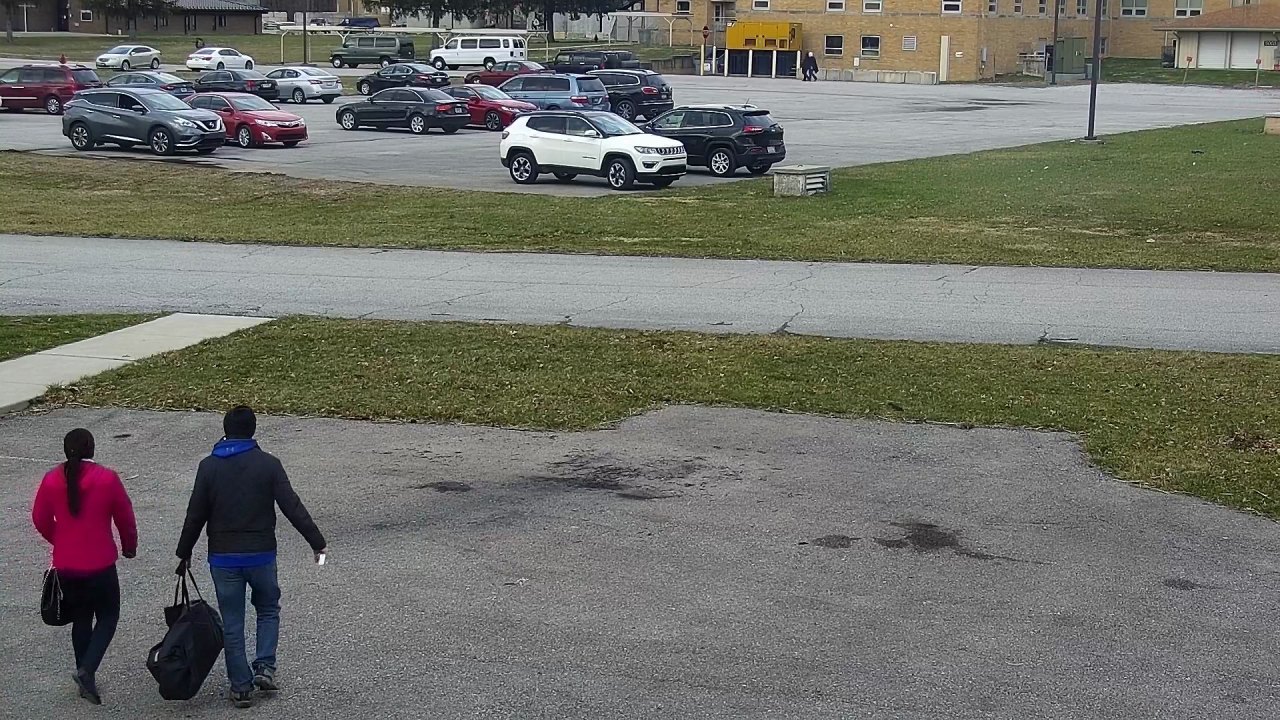
One real five minute clip, followed step by step, with the real numbers at each step. The clip is from the camera we call “School outdoors 2” in the public test footage.
The video goes in
The clip is read without its sound. ClipRecall AI does not need every frame, so it takes five every second.
- Length of the clip
- 5 minutes
- Frames read
- 1,501
- Sound read
- None
The finder marks people and vehicles
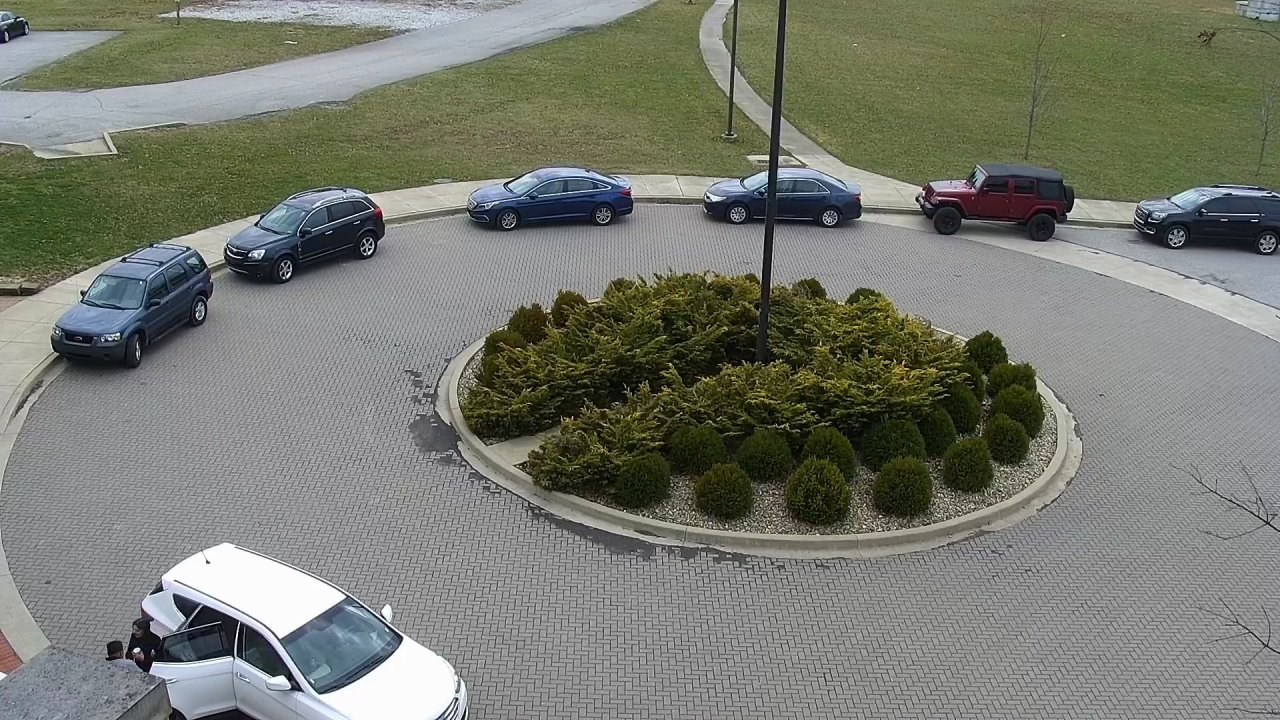
In every frame it draws a box around each person, car, bus, truck, motorcycle and bicycle it is sure enough about. Marks it is not sure of are dropped.
- Marks in this one frame
- 9
- Marks in the whole clip
- 11,176
The marks are joined into sightings
A parked car is marked in every frame. That is still one car. Plain code follows each mark from frame to frame and joins them, so one person walking past is one record and not fifty.
- Marks
- 11,176
- Sightings
- 14
A track needs three marks to count as a sighting. It is closed when the person or vehicle has been out of view for three seconds.
The clearest pictures are kept
For each sighting, plain code keeps up to three close pictures: the largest, sharpest and most complete, from the start, middle and end. It adds one wider picture, so the scene around the person is kept too.
- Sightings
- 14
- Pictures kept
- 55


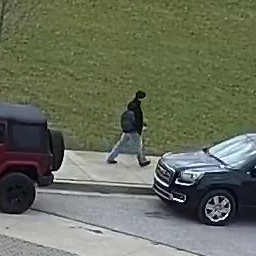 Wider picture
The pictures kept for one person in this clip.
Each picture becomes search numbers
The matcher turns a picture into a list of numbers that stands for what the picture shows. Two pictures of similar things get similar numbers.
- Numbers for one picture
- 1,152
The first 28 of the 1,152 numbers for the first picture above.
The word rules run first
Before any search is run, plain code checks the words. It refuses a search for a name or a face. It takes out words about tribe, religion, health and skin colour, and words that judge.
| Typed | Answer |
|---|---|
| “find Emeka” | Not run. ClipRecall does not search for people by name, and it cannot tell who someone is. Describe what can be seen: clothes, colours, a bag, a vehicle. |
| “who is this” | Not run. ClipRecall does not recognise faces. Describe what can be seen: clothes, colours, a bag, a vehicle. |
| “suspicious hausa man in a red top” | Run as “man in a red top”. Not used: hausa, suspicious. |
| “rate my staff” | Not run. ClipRecall is not for scoring or ranking staff. |
Your words become search numbers too
The same matcher turns your words into the same kind of numbers. The sightings whose pictures sit closest to your words come first.
- Search
- “white SUV”
- Sightings on this camera
- 88
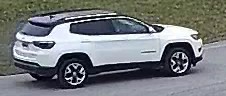 Day 4, 5:28 pm
 Day 7, 3:56 pm
 Day 4, 11:52 am
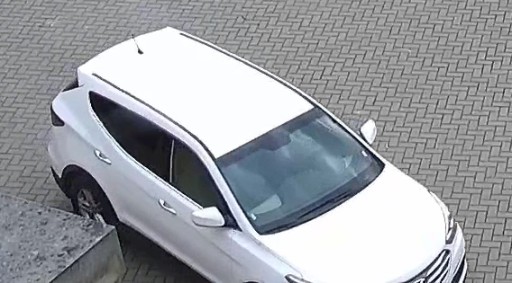 Day 1, 1:20 pm
The first four results, best first.
You open the clip and decide
The clip is cut from the video around the sighting, without sound. An orange box follows the vehicle the result is about. From here it is your call: ClipRecall AI has only found the clip.
- Camera
- School outdoors 2
- When
- Day 4, 5:28 pm
How well does this work?
We measured it on 72 clips like this one, and wrote down what it got wrong as well as what it got right.
Video: "Multiview Extended Video with Activities" (MEVA) dataset by Kitware Inc. and IARPA, licensed under a Creative Commons Attribution 4.0 International License. Clips are shortened and resized. The people in this footage are actors who agreed to be filmed. Kitware and IARPA are not ClipRecall customers and did not take part. Their footage is public, and is named here so you can check it.