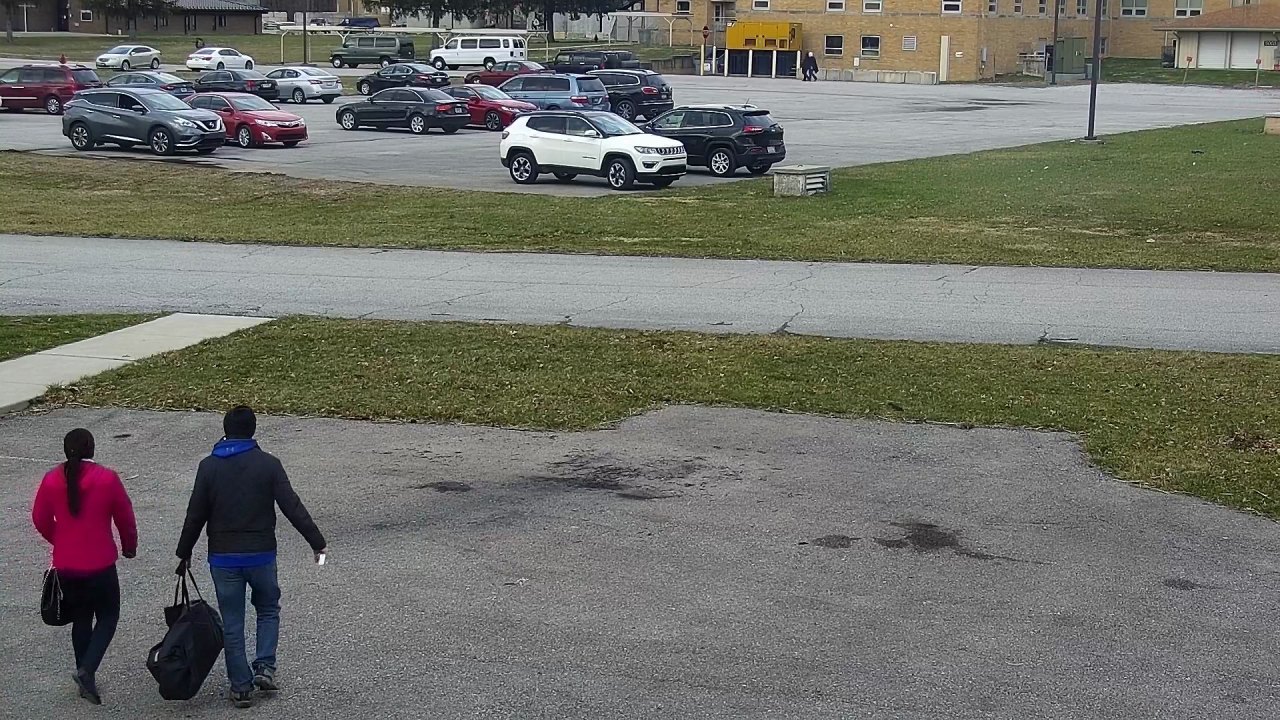
For estates, schools, shops and yards
Stop watching hours of CCTV to find one moment.
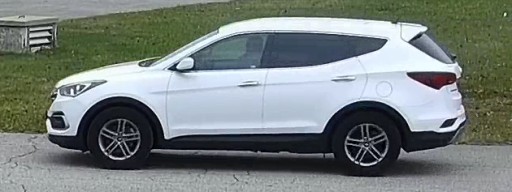
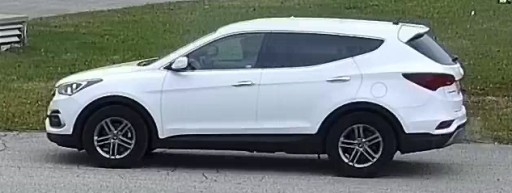
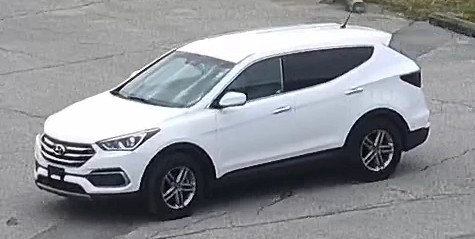
Type what you are looking for, like “white SUV” or “person in a red top”. ClipRecall shows you the clips that match, best first. You decide what happened.
Free to try. Upload up to one hour of your own video.
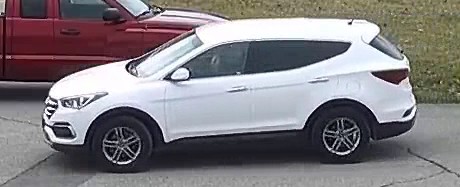
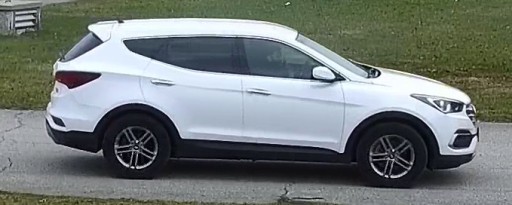
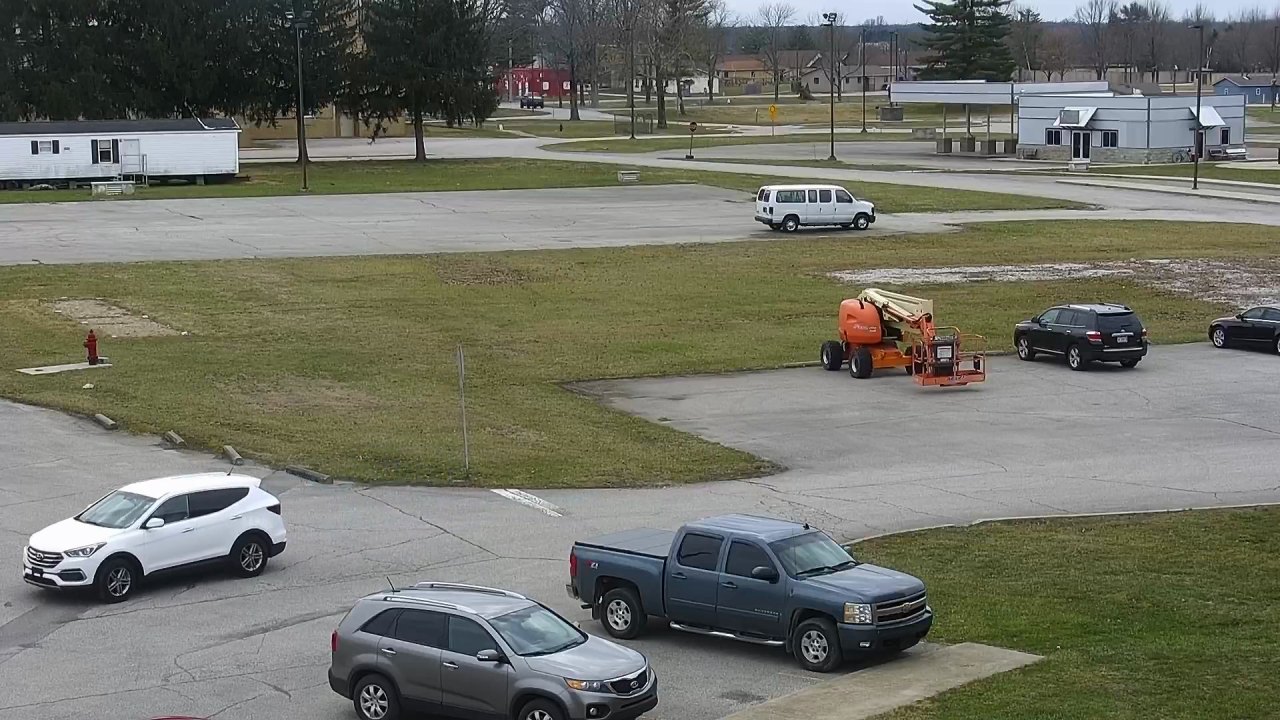 The first test98 searches, every miss shown
Something happened at your gate, your shop or your school. The cameras recorded it. Now someone has to find it.
Finding it means sitting and watching. One person can lose a whole day to one moment.
ClipRecall AI looks at every person and vehicle in the video. You type what you are looking for, and it shows the ones that match.
You do. ClipRecall finds clips. A person decides what happened.
Why finding one clip takes so long
The video is all there. The trouble is how much of it there is.
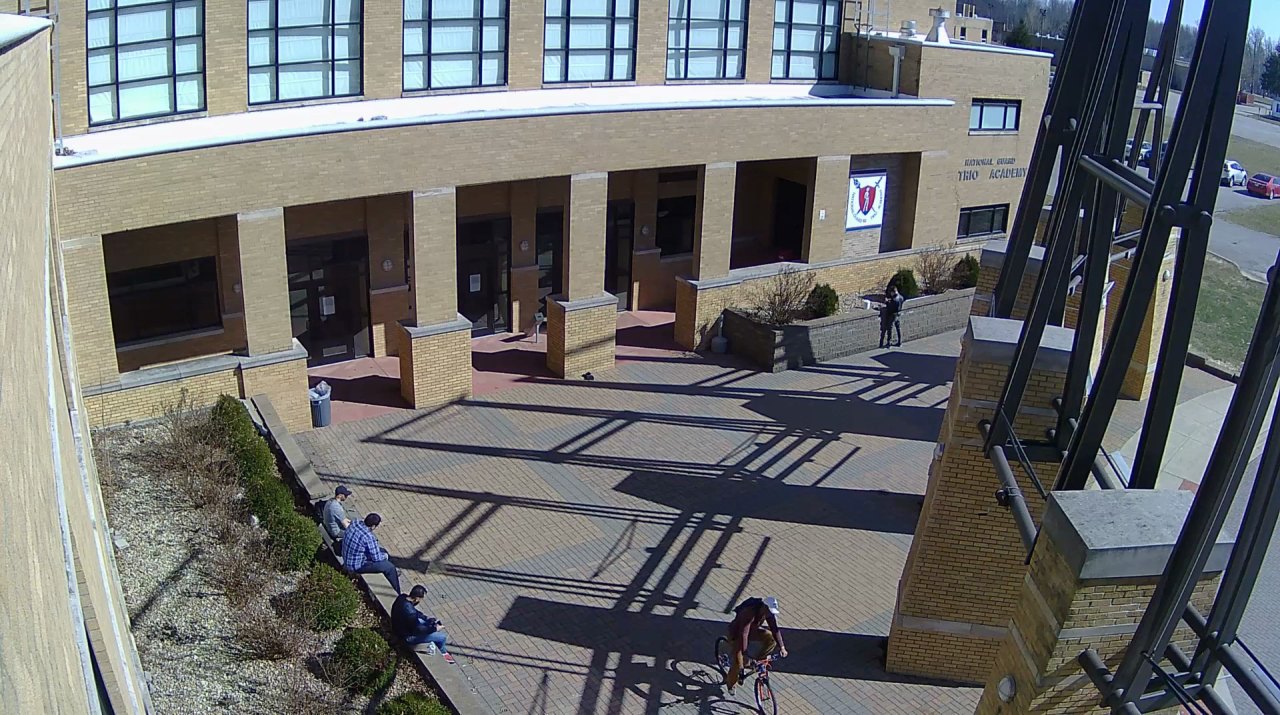
Day 7, 3:55 pm
This is the workspace. Search it yourself.
It is the same screen you get when you sign in. Here it searches 1,776 sightings from 6 hours of public test footage, on 12 cameras. Type your own words.
Video: "Multiview Extended Video with Activities" (MEVA) dataset by Kitware Inc. and IARPA, licensed under a Creative Commons Attribution 4.0 International License. Clips are shortened and resized. The people in this footage are actors who agreed to be filmed. Kitware and IARPA are not ClipRecall customers and did not take part. Their footage is public, and is named here so you can check it.
How it works
Four steps. Every picture below comes from the first test, not from a drawing.
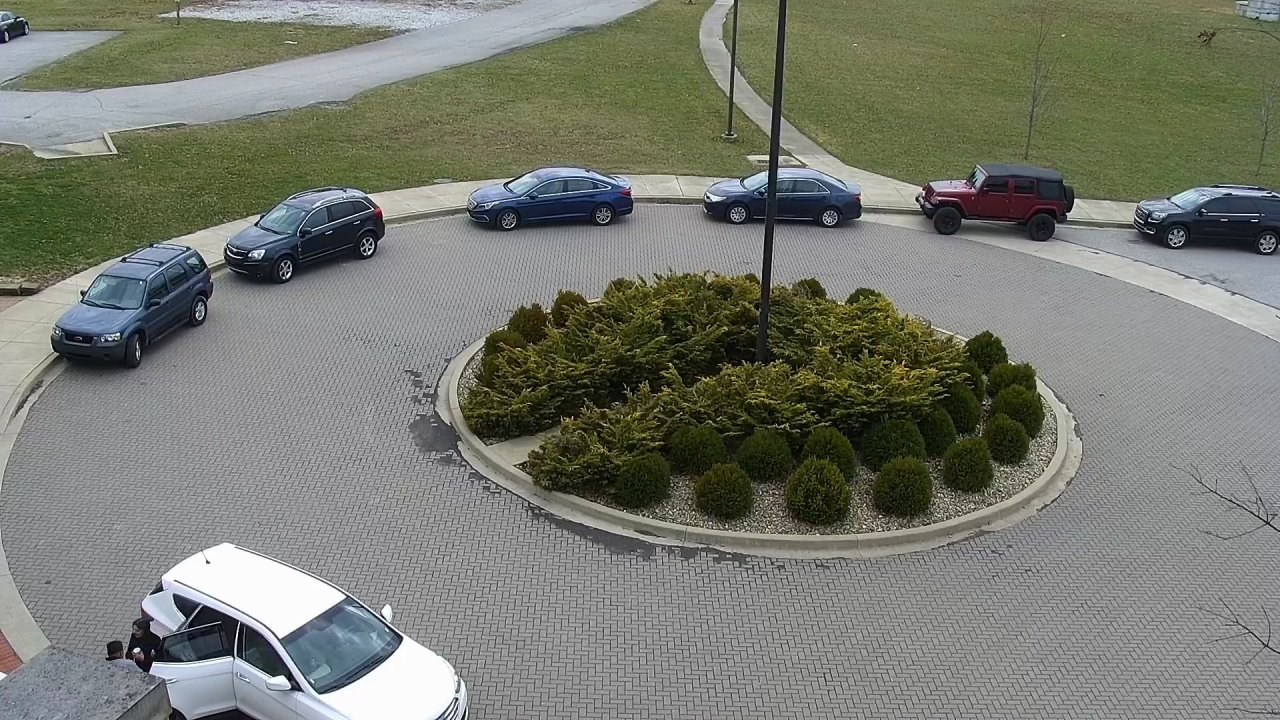
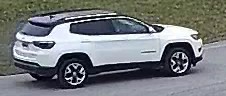 1. Day 4, 5:28 pm
 2. Day 7, 3:56 pm
 3. Day 4, 11:52 am
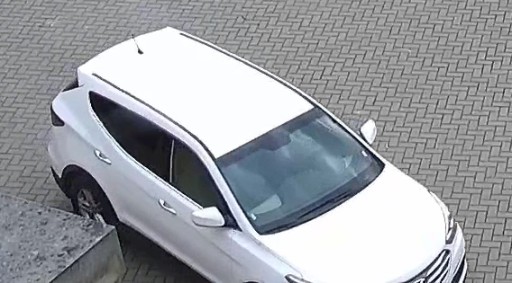 4. Day 1, 1:20 pm
How ClipRecall AI works
These are the real counts from the first test, from the video going in to the searches coming out.
Every screen, at work.
The signed in workspace, on real devices. Every screen below shows real searches on the public test footage.
Get startedType what you are looking for. The pictures come back best match first, each with its camera and its time.
Open a result to play its clip. A box follows the person or vehicle the result is about.
Keep the clips about one incident together. An export needs a reason, and carries a fingerprint.
Upload a video from your recorder. It is read without its sound. Reading takes about 3 minutes for each minute of video.
Video: "Multiview Extended Video with Activities" (MEVA) dataset by Kitware Inc. and IARPA, licensed under a Creative Commons Attribution 4.0 International License. Clips are shortened and resized.
What is in it
Each part says what ClipRecall AI does, what plain code checks, and what is left to you.
Person and vehicle finder
ClipRecall AI- What it does
- Looks at five frames of your video every second and marks each person, car, bus, truck, motorcycle and bicycle.
- What keeps it honest
- Marks the AI is not sure of are dropped. The sound is never read.
- What you do
- Nothing. It runs as soon as a video is uploaded.
Sighting builder
Plain code- What it does
- Follows each mark from frame to frame, so one person walking past is one record and not fifty.
- What keeps it honest
- A track needs three marks to count. It closes after three seconds out of view.
- What you do
- Nothing.
Best picture picker
Plain code- What it does
- Keeps up to three pictures of each sighting: the largest, sharpest and most complete. Adds one wider picture of the scene around it.
- What keeps it honest
- A picture cut off by the edge of the frame scores lower.
- What you do
- Nothing.
Plain word search
ClipRecall AI- What it does
- Turns your words, and every kept picture, into search numbers that sit close together when they mean the same thing. Ranks every sighting by how close it is.
- What keeps it honest
- Camera, kind and time filters are applied before ranking.
- What you do
- You look at the pictures, best first, and open the ones worth a look.
Search reader
Plain code- What it does
- Reads what, where and when from your words, and shows you how it understood them.
- What keeps it honest
- It reads by fixed rules, so the same words are always read the same way. A search that names only a kind of thing, such as "car", is answered from what the finder marked.
- What you do
- You can change the camera, the kind and the day.
Fair search guard
Plain code- What it does
- Refuses a search that names a person, or asks for a face, a number plate or a score for staff. Takes out words about tribe, religion, health and skin colour, and words that judge.
- What keeps it honest
- It runs on every search, before anything else. It tells you which words were not used.
- What you do
- You describe what can be seen instead.
Honest "Nothing found"
ClipRecall AI- What it does
- When you describe something and even the closest picture is a weak match, it says "Nothing found" and does not show a guess as an answer.
- What keeps it honest
- The level was set from the first test.
- What you do
- You can still ask to see the closest pictures.
Clip opener
Plain code- What it does
- Cuts the few seconds around the sighting from the video, without sound, and draws a box that follows the person or vehicle.
- What keeps it honest
- "Show me before and after" gives a longer cut. Each link to a clip stops working after five minutes.
- What you do
- You watch the clip and decide what happened.
Case folder
Plain code- What it does
- Keeps the clips about one incident together, with your notes.
- What keeps it honest
- A saved clip keeps its own copy, so it is still there after the video it came from is deleted.
- What you do
- You choose what goes in a case.
Sealed export
Plain code- What it does
- Makes a file you can hand over. It carries the camera, the time, who exported it and a fingerprint.
- What keeps it honest
- An export with no reason is refused. Change one byte of the file and the fingerprint no longer matches.
- What you do
- You give the reason.
Activity record
Plain code- What it does
- Writes down every search, every clip opened and every export, with who did it and when.
- What keeps it honest
- Nothing is opened or exported without a line in the record.
- What you do
- The owner can read it at any time.
Upload and search
ClipRecall AI- What it does
- Takes a video from your recorder and makes it searchable, using the same finder and matcher. Reading takes about 3 minutes for each minute of video.
- What keeps it honest
- Video from a private place is refused. An upload is deleted after 24 hours, with everything made from it.
- What you do
- You say where the camera is, and that you have the right to upload the video.
The first test, with what it got wrong
We ran ClipRecall AI on 6 hours of public security camera footage and asked it 98 searches written before any search was run. A search counts when a right clip is in the first five results.
Clothes and colours
40 searches such as “person in a red top”, against about 155 sightings on every camera.
Vehicles
20 searches such as “black pickup truck”, against about 238 sightings on every camera.
Actions
38 searches taken from the footage’s own labels, each against one camera.
person talking on a phoneThe first result is right, out of 223 sightings on one camera
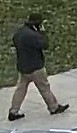 1, right
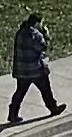 2, right
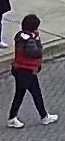 3, wrong
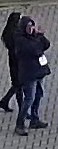 4, wrong
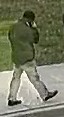 5, right
Three of the first five are right. The two marked wrong also show a hand raised to the head.
car dropping someone offThe first right clip came 96th, out of 109 sightings on one camera
 1, wrong
 2, wrong
 3, wrong
 4, wrong
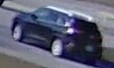 5, wrong
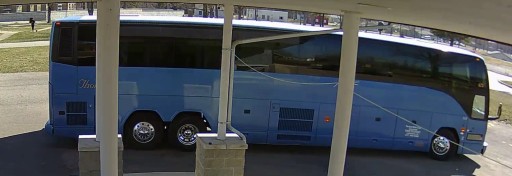 96th, right
A drop off does not show in a still picture, and the labelled one on this camera was by a coach, not a car.
- Clothes by colour35 of 40 searches found a right clip in the first five.
- Vehicles by colour and kind20 of 20, and the first result was right 18 times.
- Things that show in one pictureA phone at the ear, a bicycle, an open car boot: 14 of 22.
- People who are large enough in the pictureIt found 410 of 439 people who were 200 pixels or taller.
- Things that need movement to seeA car dropping someone off, a person sitting down: 6 of 16, close to chance.
- People who are very small in the pictureIt found only 103 of 286 people under 50 pixels tall, in a picture 1,080 pixels high.
- Near coloursIt treats bright pink as red, and cannot tell navy from black.
- Saying “nothing there” from its score aloneIn 36 of 230 cases with no right answer, the best wrong picture still scored like a match.
The marks for clothes and colours were made on 223 pictures: 12 by a person and 211 by AI helpers, checked by an AI assistant. The footage is public daytime footage from the United States. The people in this footage are actors who agreed to be filmed. Kitware and IARPA are not ClipRecall customers and did not take part. Their footage is public, and is named here so you can check it.
When people reach for it
The moments when someone has to find a clip, and has a description but not a time.
A resident asks which white bus came through the gate before noon.
A parent asks which car picked a child up at the gate at closing time.
A customer says they left a black bag at the till yesterday.
A delivery is disputed, and someone has to find the truck.
What ClipRecall never does
These are not promises on a page. Each one is a rule in the code, and each has a test.
- No face recognitionIt never matches faces and never tells you who someone is. A search that asks is refused.
- No search by name"Find Emeka" is refused. You describe what can be seen.
- No search by tribe, religion, health or skin colourThose words are taken out, and you are told which words were not used.
- No judgingIt cannot tell what someone means to do. Words like "suspicious" are not run.
- No soundThe video is read without its sound. Clips and exports have no sound track.
- No private placesVideo from toilets, bedrooms and changing rooms is refused.
- No scoring of staffA search that asks to rate or rank workers is refused.
- No unrecorded viewingEvery search, view and export is written to a record the owner can read. An export needs a reason.
Pricing
Start without paying anything. No card is asked for.
Free
- Upload and search up to one hour of video
- Search the public test footage as much as you like
- Cases, sealed exports and the activity record
- Your uploads are deleted after 24 hours
Common questions
Does ClipRecall recognise faces?
No. It never matches faces and never tells you who someone is. It searches what can be seen: clothes, colours, vehicles and things carried.
What can I search for?
Clothes and their colours, vehicles by colour and kind, things a person carries, and simple things that show in one picture, such as a person on a phone or on a bicycle.
What does it get wrong?
In the first test it missed most people who were very small in the picture. It was weak on things that need movement to see, such as a car dropping someone off. It sometimes treats near colours as the same, such as pink and red. The first test shows each of these with pictures.
What happens to a video I upload?
It is read without its sound. It is deleted after 24 hours, with every picture, clip and search number made from it. A clip you saved to a case or exported is kept. You can delete an upload sooner.
Does it work on night footage?
Night cameras record without colour, so a search by colour cannot work on night footage. The first test used daytime footage only.
What footage does the search on this page use?
Public test footage from the MEVA dataset by Kitware Inc. and IARPA, used under its Creative Commons licence. The people in it are actors who agreed to be filmed.
Who decides what happened?
You do. ClipRecall finds clips. A person decides what happened.
Find the clip. Then get on with your day.
Upload a video from your recorder and search it in plain words.
It is free for up to one hour of video.
Get started
Day 7, 3:47 pm